Professional video call backgrounds for Zoom, Teams, and Google Meet


A confident presentation doesn’t start with the first sentence. The space behind you also plays a role in how professional, calm, and trustworthy you appear during a video call. Download selected Satellite Office backgrounds for free—for client meetings, pitches, interviews, and focused business calls.
Table of contents
- Selected Business Backgrounds
- Why the background makes a difference in video calls
- Which video call background is best for which occasion?
- Download all free Satellite Office wallpapers
- Set Up a Background in Zoom, Teams, and Google Meet
- What Makes a Professional Video Call Background
- Making a Bigger Impact on Video Calls: Lighting, Camera, Sound
- When the background is right, you can experience the space behind it
Selected business backgrounds for your next video call
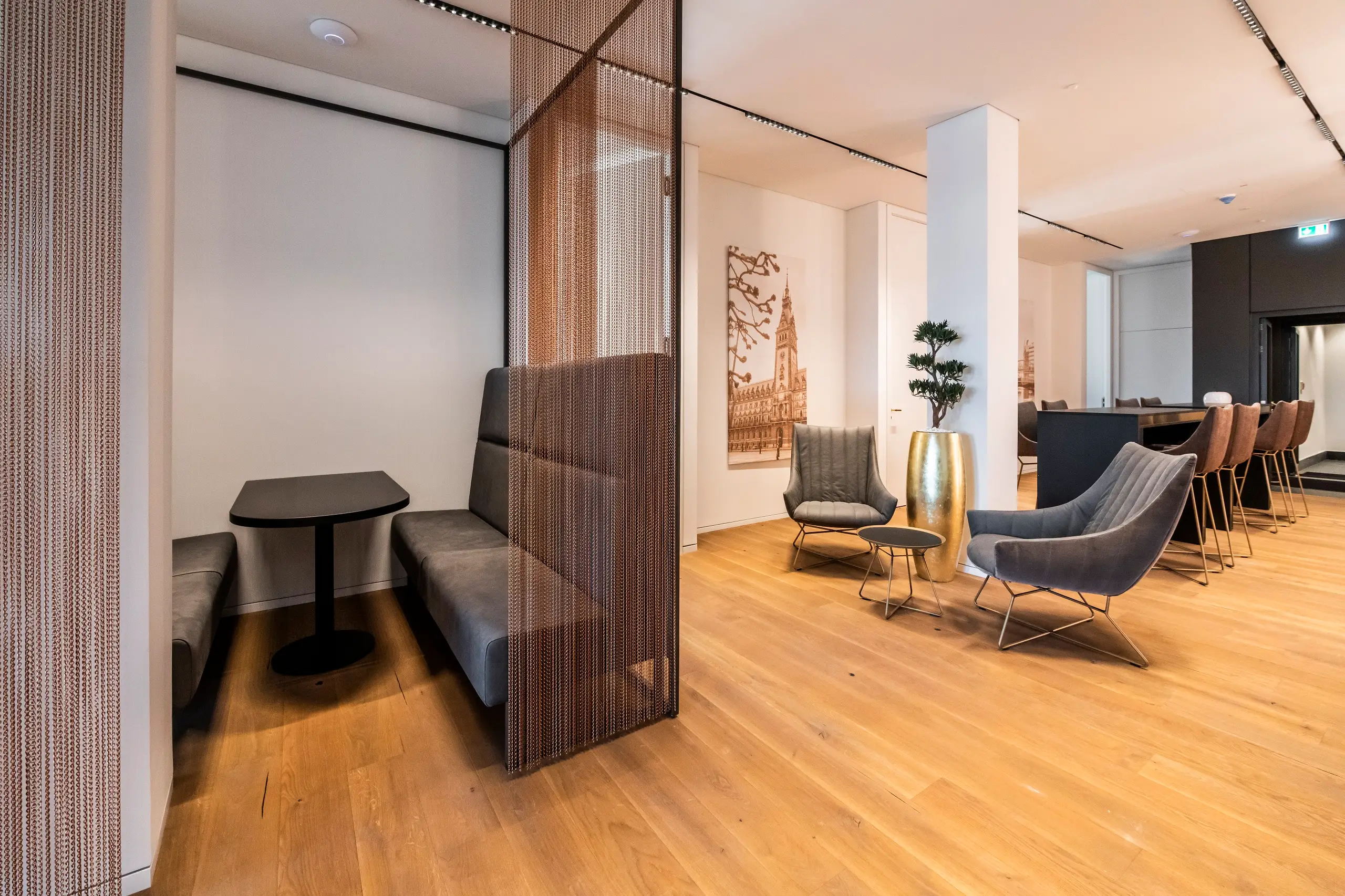
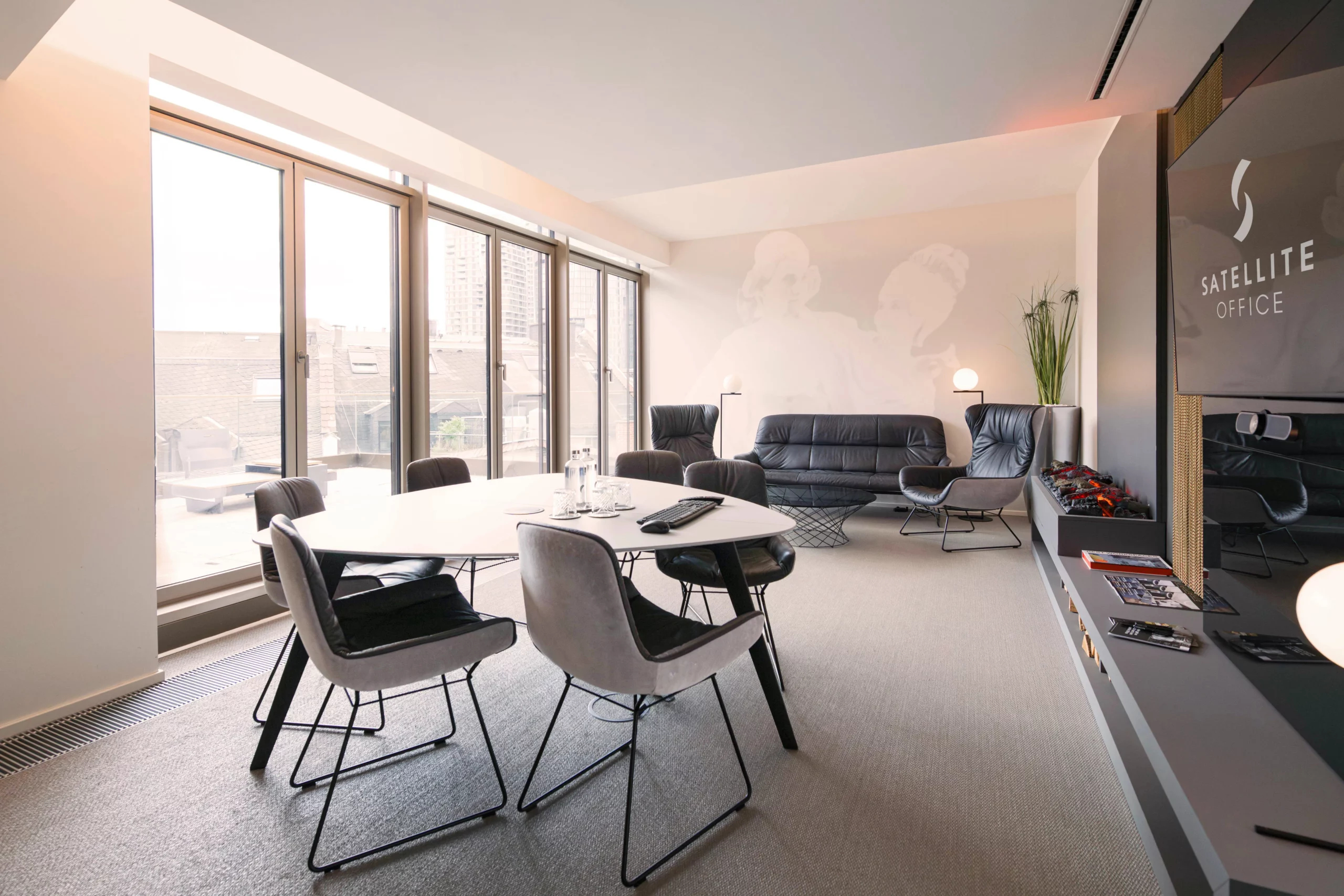
Business Lounge
For customer meetings and digital consultations
A sophisticated setting with a calm visual appeal, a refined atmosphere, and a clear, professional framework. Ideal for conversations where openness, trust, and confidence are key.
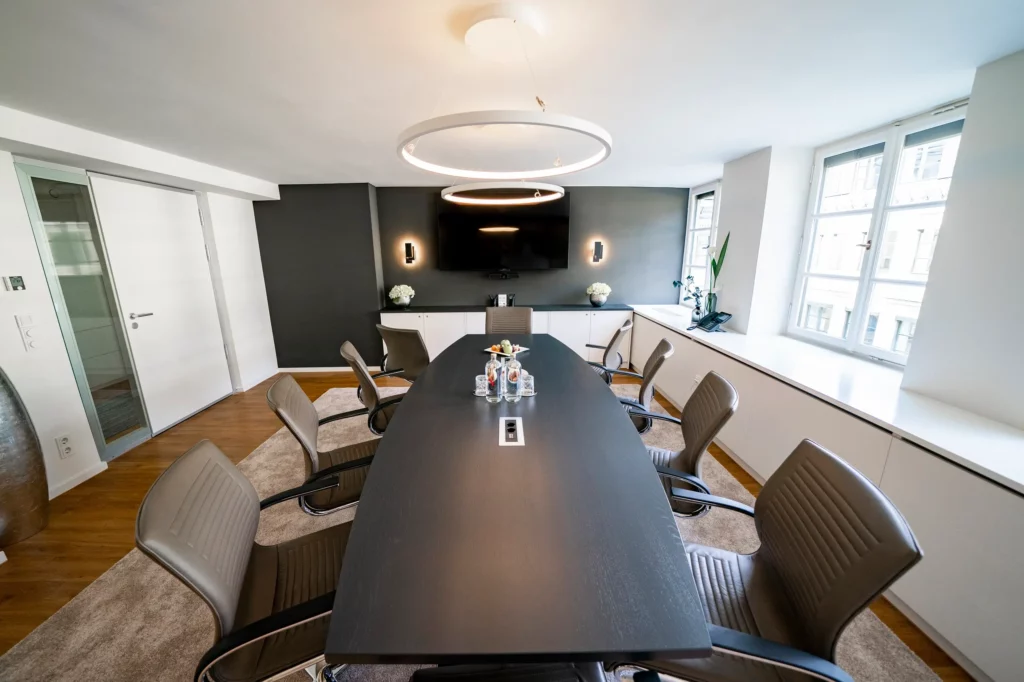
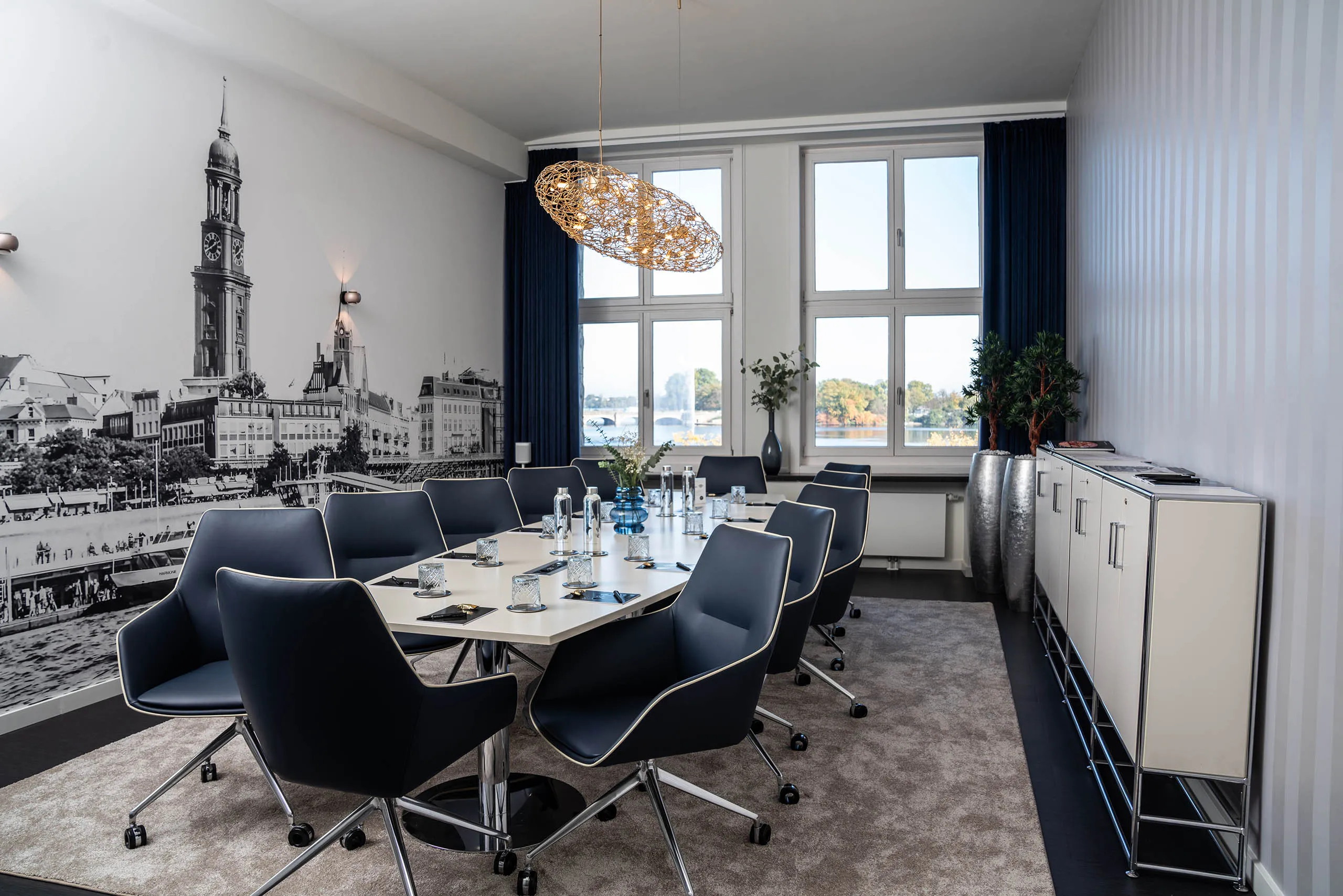
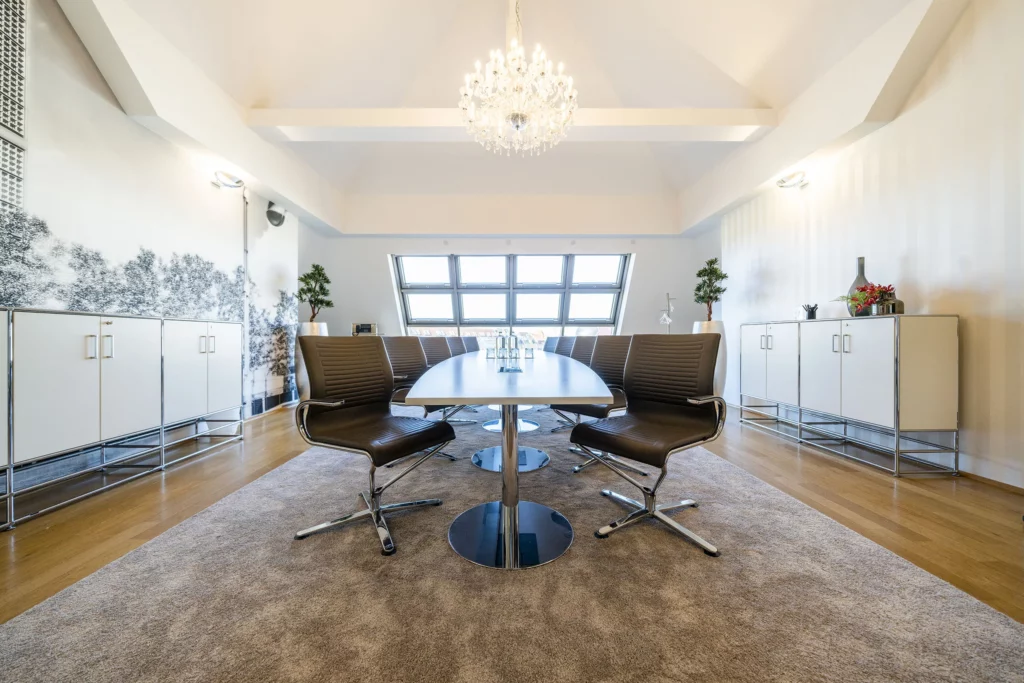
Boardroom
For pitches, presentations, and meetings with decision-makers
Clean lines, high-quality materials, and a focused visual impact lend your presentation a sense of professionalism. A professional team background or Zoom background for high-stakes meetings.
Discover Conference Rooms in Berlin
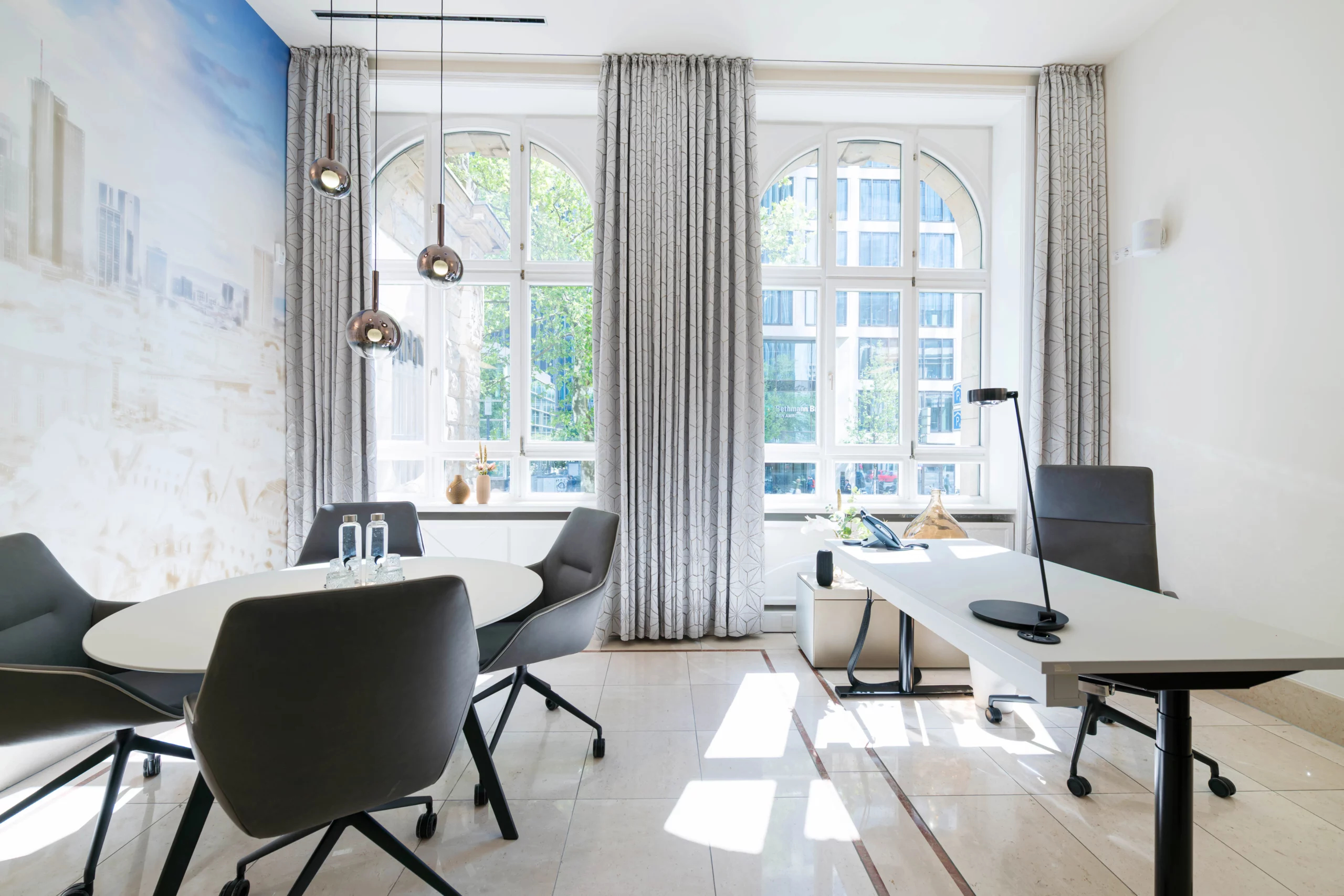
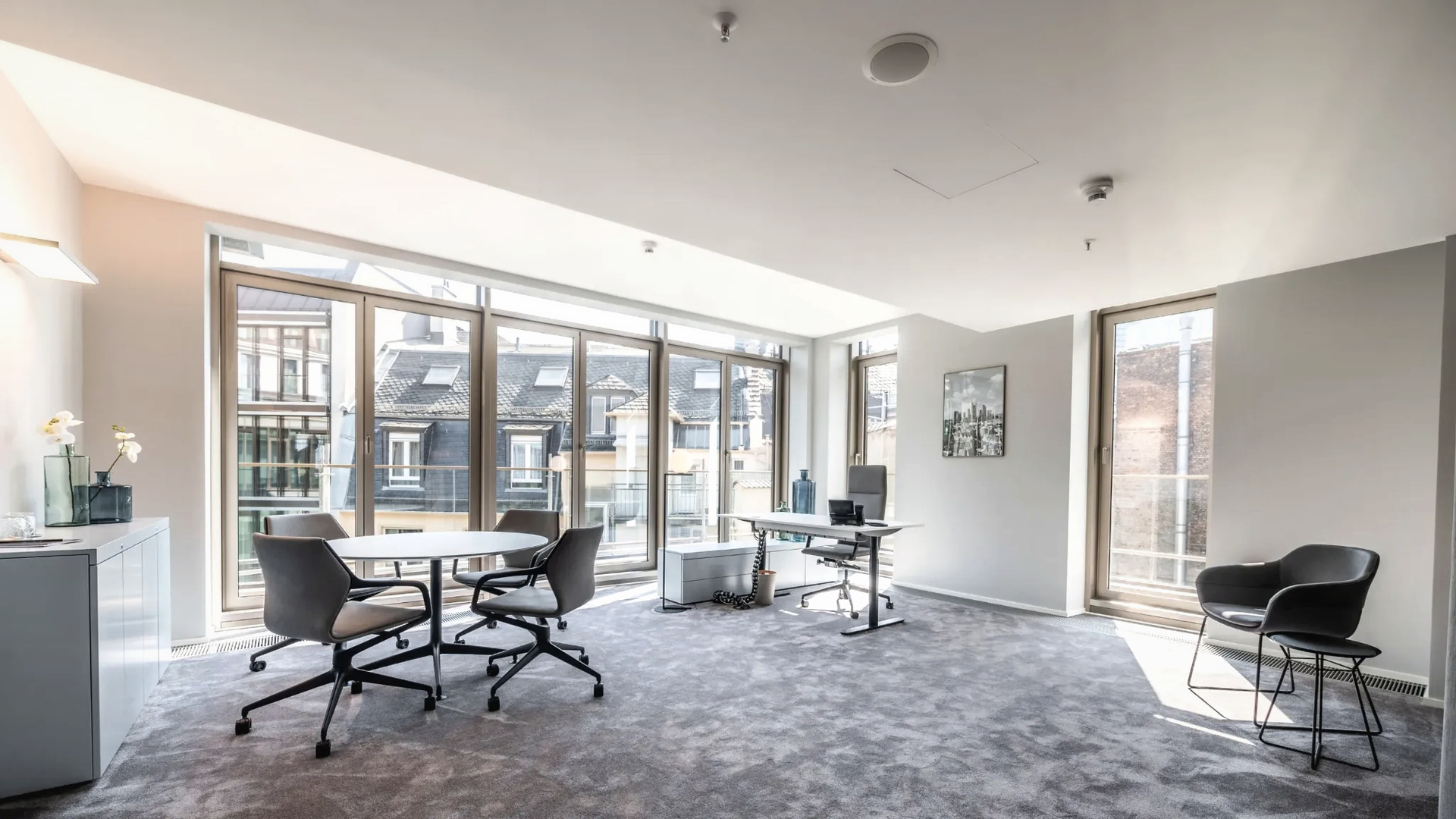
Private Office
For confidential discussions and focused coordination
Discreet, quiet, and focused: This office background is ideal for meetings where professionalism, confidentiality, and clarity are key.

Discover Day Offices in Frankfurt
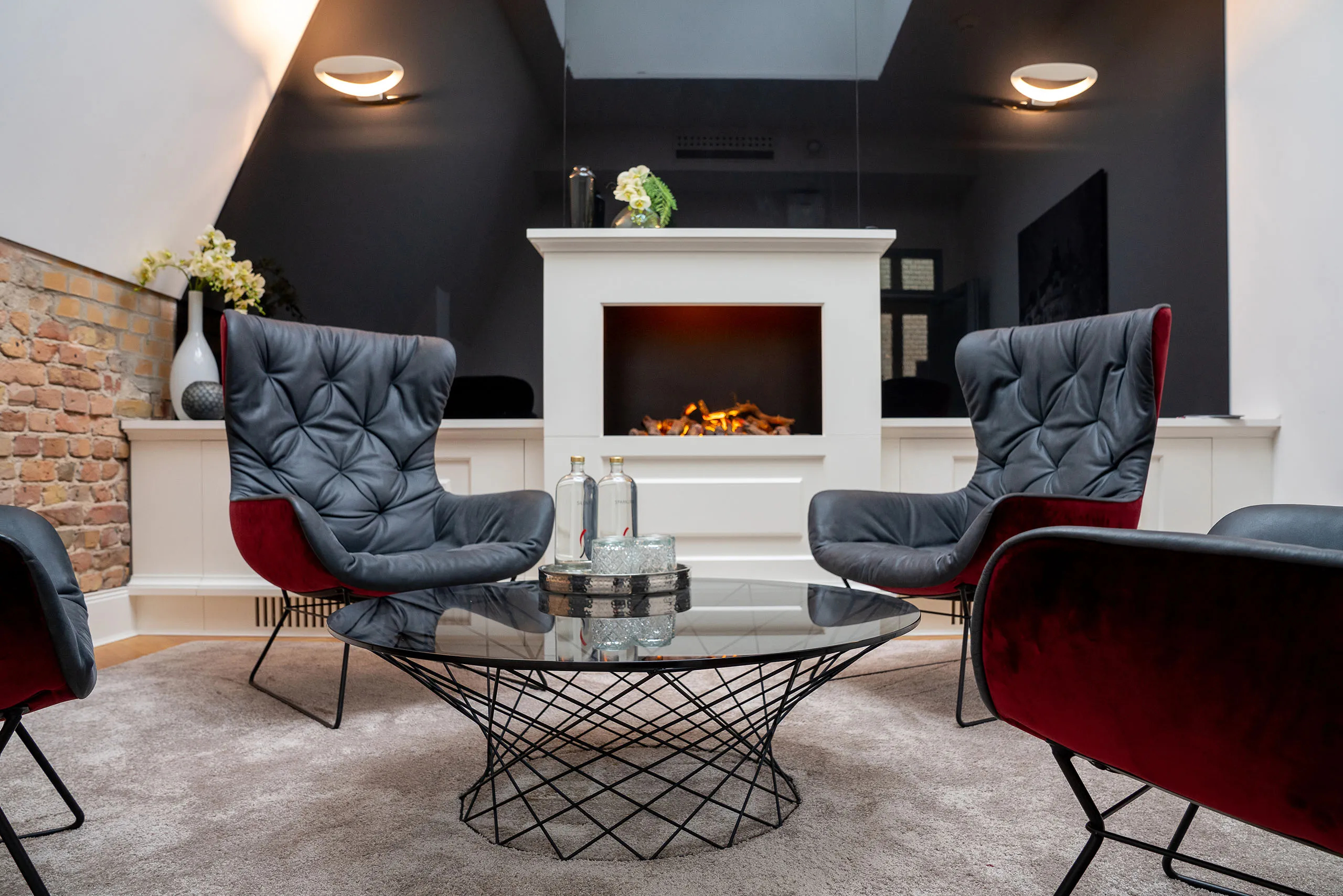
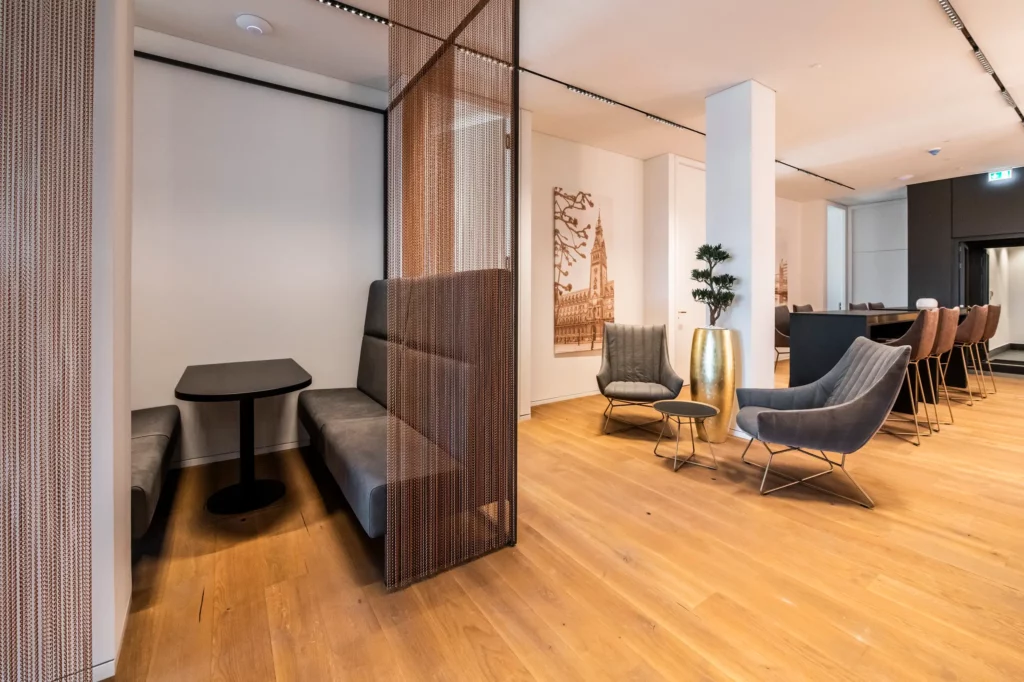
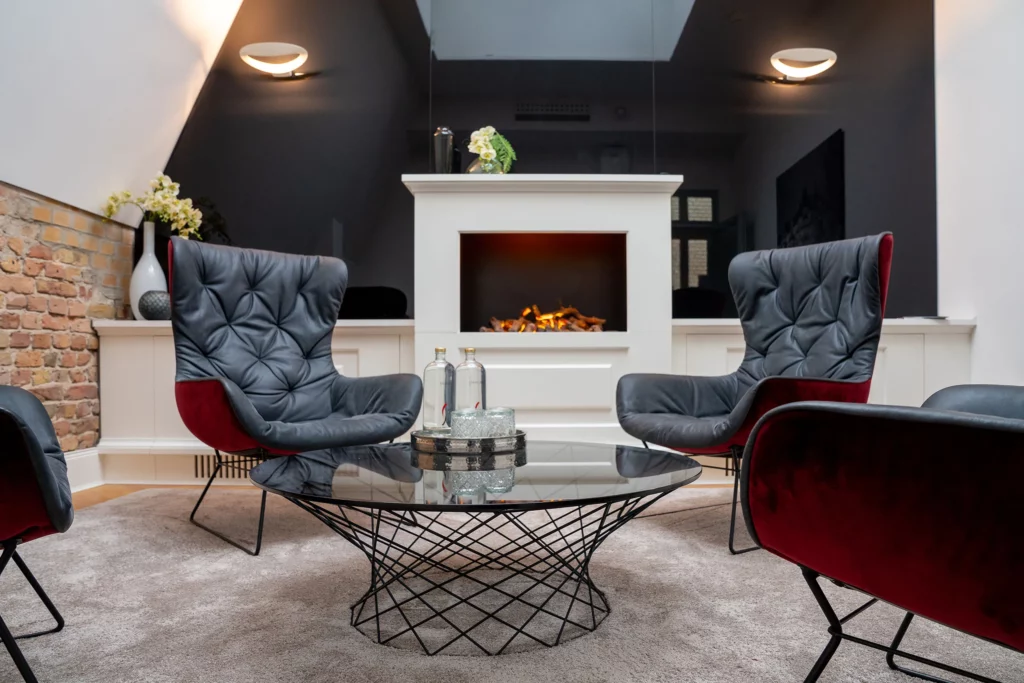
Fireplace lounge
For interviews, webinars, and in-person business events
A high-quality video call background that exudes warmth and presence. Ideal if you want to come across as professional without seeming distant.
Discover Fireplace Lounges and Conference Rooms in Berlin
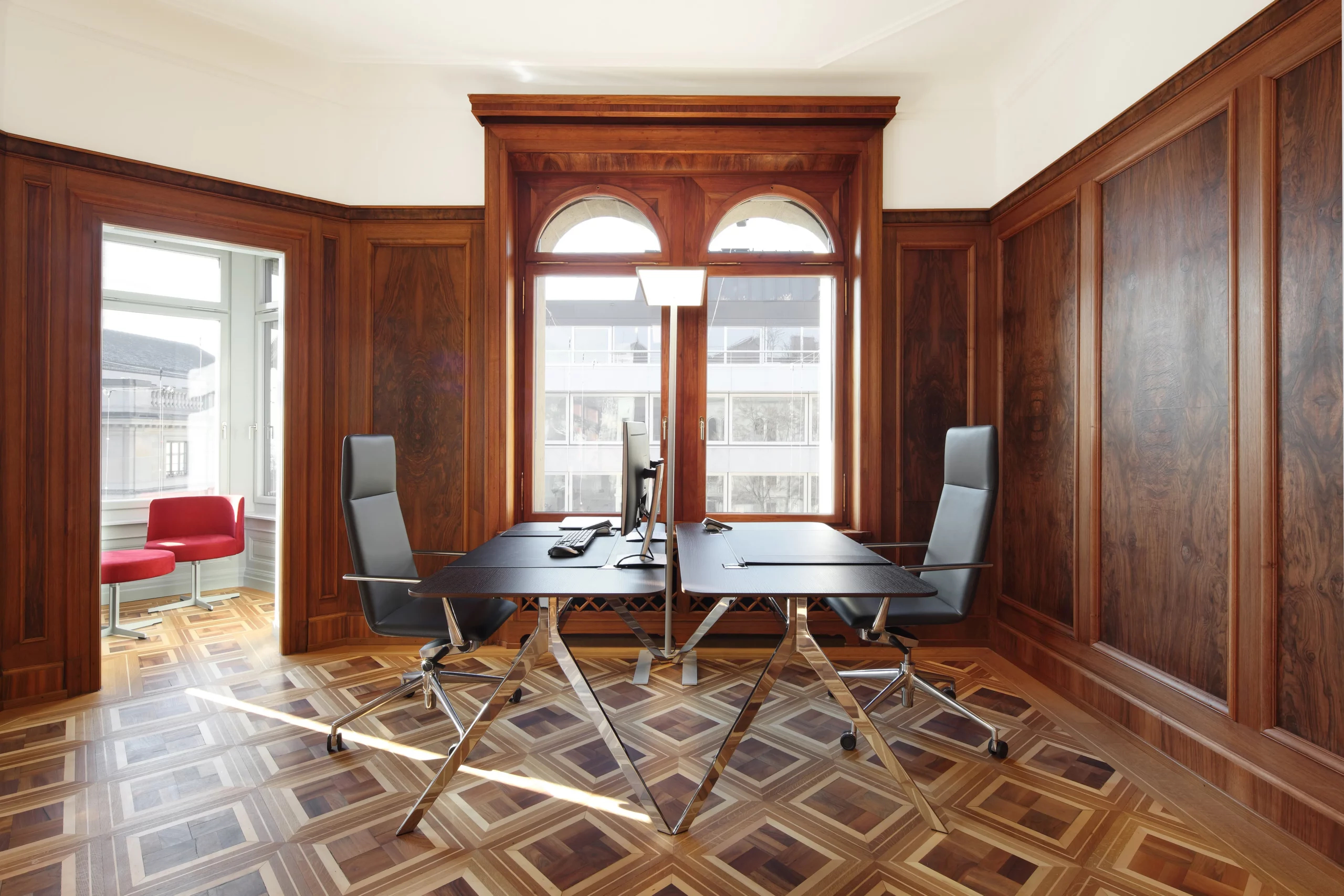
Calm Office Background
For job interviews and structured online meetings
A minimalist background for video conferences that doesn’t distract and keeps the focus on the conversation. Professional, unobtrusive, and clear.

Why the Background in a Video Call Is More Than Just Decoration
In a digital conversation, the video background replaces part of the physical space. It can create a sense of calm, convey discretion, and underscore professionalism—or have exactly the opposite effect. Especially during client meetings, job interviews, presentations, or confidential discussions, it’s worth choosing a background that doesn’t distract but rather enhances your presence.
A professional Zoom background, a calm Teams background for the office, or a high-quality background image for business meetings is therefore not just a decorative detail. It’s part of your visual presentation. The space behind you plays a role: It sets the stage before the conversation begins.
Which video call background is best for which occasion?
Not every background is suitable for every conversation. A pitch requires a different visual impact than a confidential call, and a webinar requires a different atmosphere than a job interview. The key is for the background to support your role in the conversation.
| Occasion | Appropriate background | Effect |
|---|---|---|
| Client Meeting | Business Lounge | open, professional, refined |
| Pitch or Board Meeting | Boardroom | clear, professional, representative |
| Confidential Call | Private Office | discreet, calm, focused |
| Webinar or Interview | Fireplace lounge | high-quality, approachable, engaging |
| Job Interview | Calm Office Background | professional, focused, unobtrusive |
A good background for online meetings is unobtrusive without looking generic. It conveys style, poise, and professionalism—without distracting from the conversation.
Download all free Satellite Office wallpapers
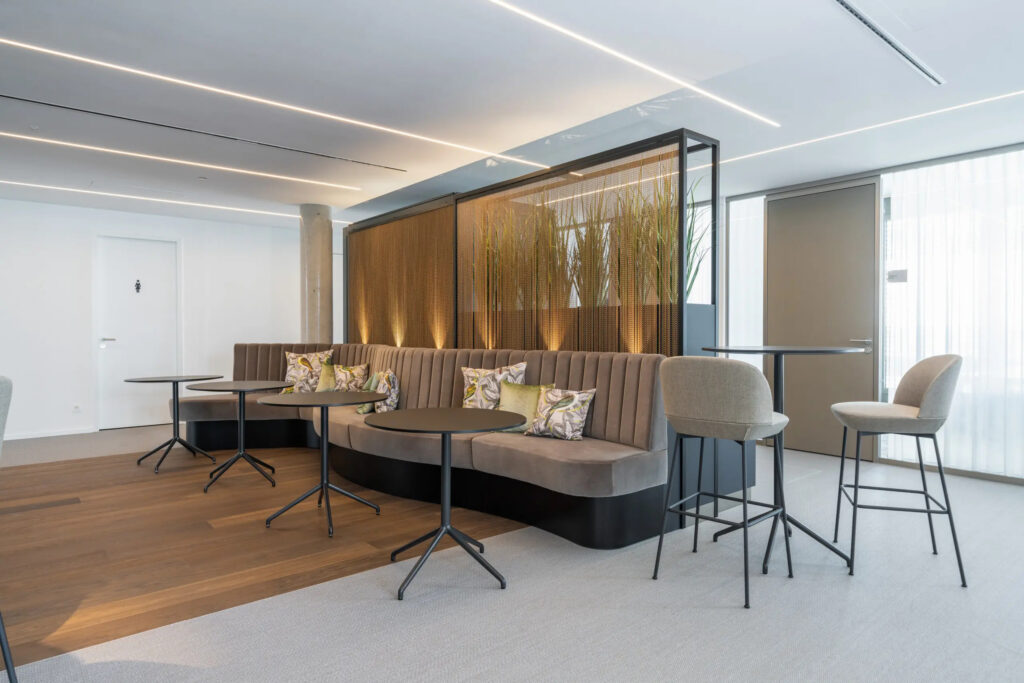
Satellite Office Business Lounge Stuttgart
A calm, sophisticated business setting for client meetings, digital consultations, and video conferences that meets professional standards. The visual impression is open, refined, and confident.
Discover Coworking at Satellite Office Stuttgart
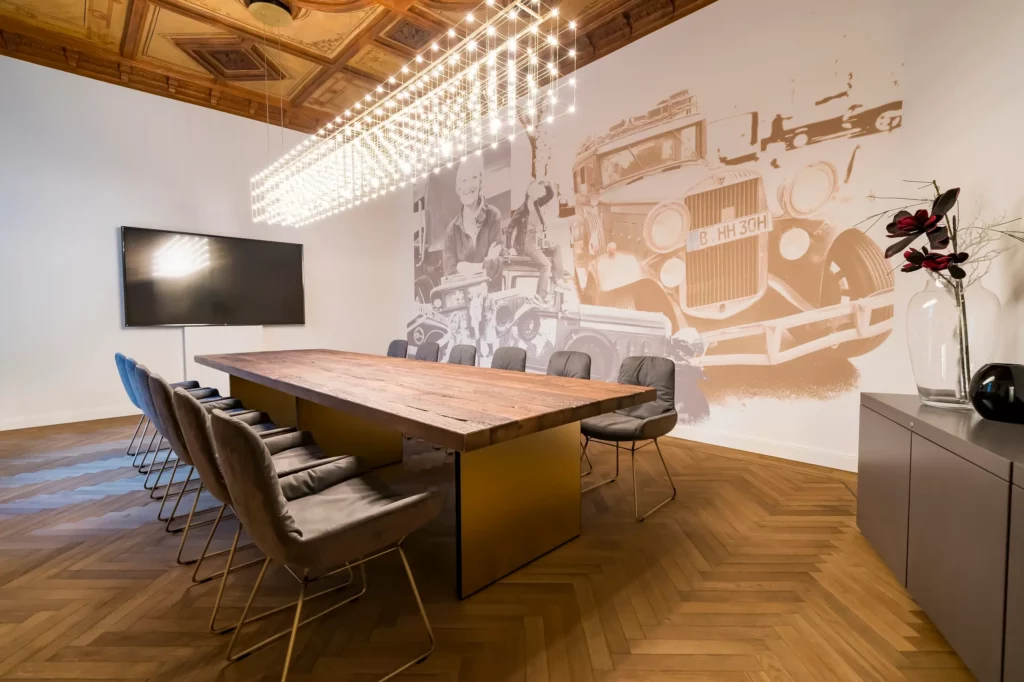
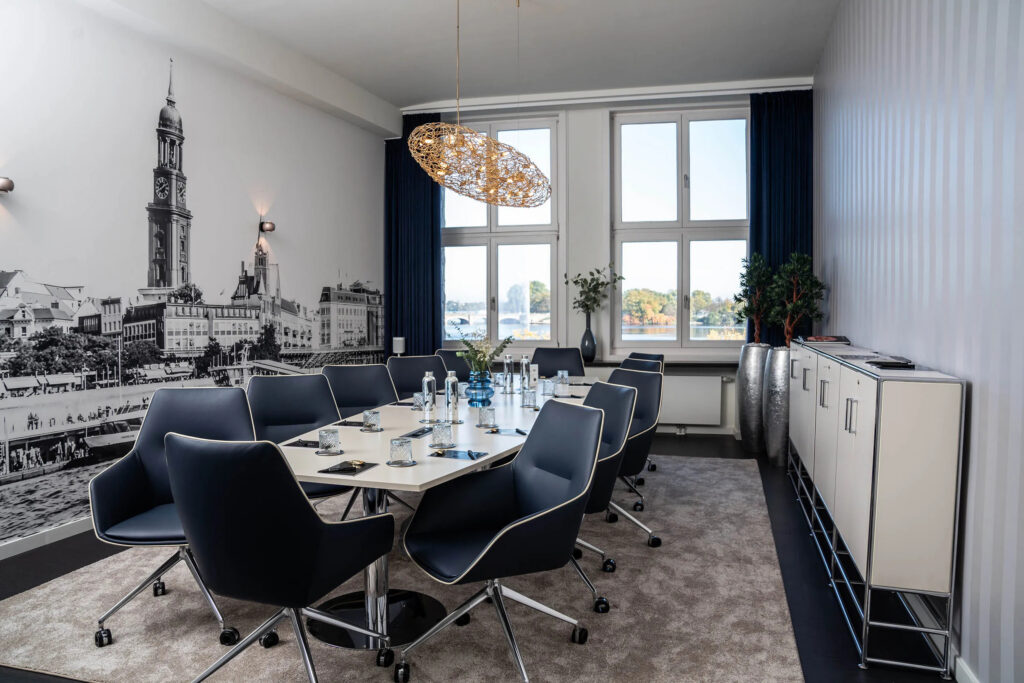
Satellite Office Conference Room Alsterblick, Hamburg
Clean lines, high-quality materials, and a focused atmosphere make this backdrop particularly well-suited for presentations, pitches, and meetings with decision-makers.
Discover Fireplace Lounges and Conference Rooms in Hamburg
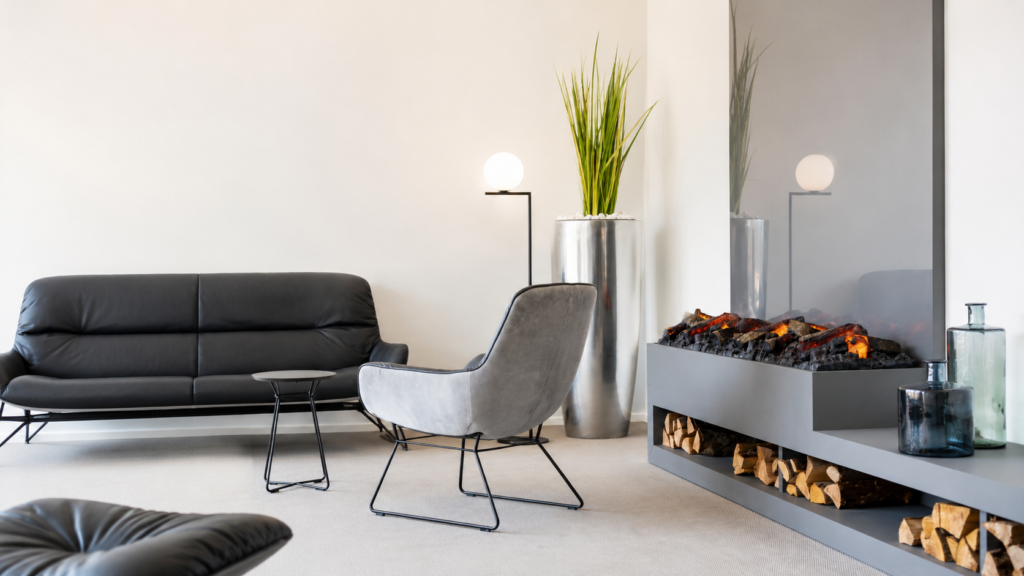
Satellite Office Fireplace Lounge
A high-quality background image for video conferences, interviews, and webinars. The room has a warm, professional atmosphere without feeling too personal.
Discover Fireplace Lounges and Conference Rooms in Berlin
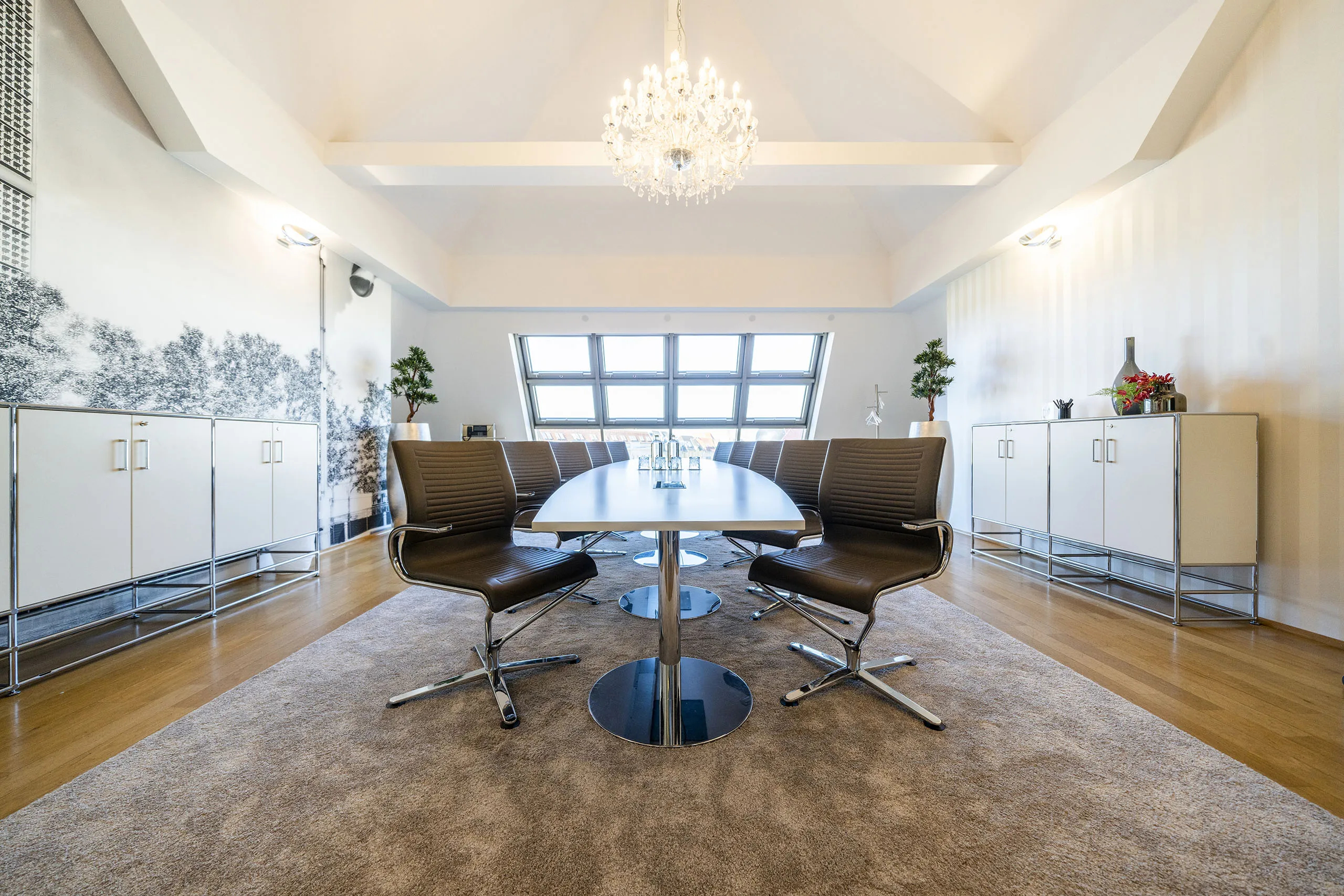
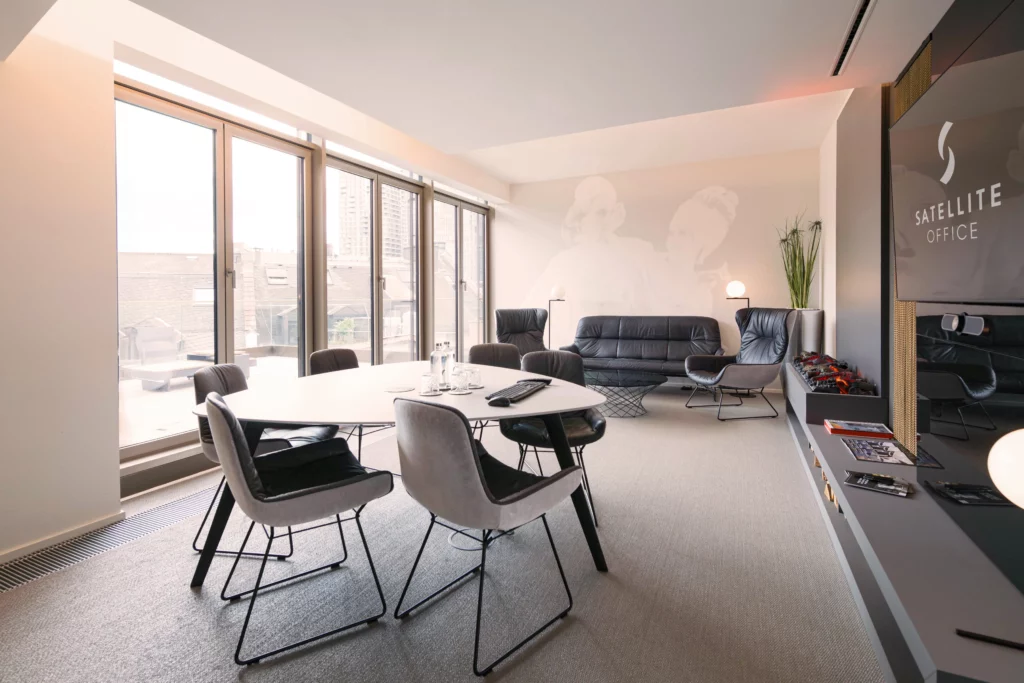
Satellite Office Meeting Room
A professional background for Teams, Zoom, and Google Meet when you want your digital presence to appear clear, structured, and professional.
Discover Meeting Rooms in Frankfurt
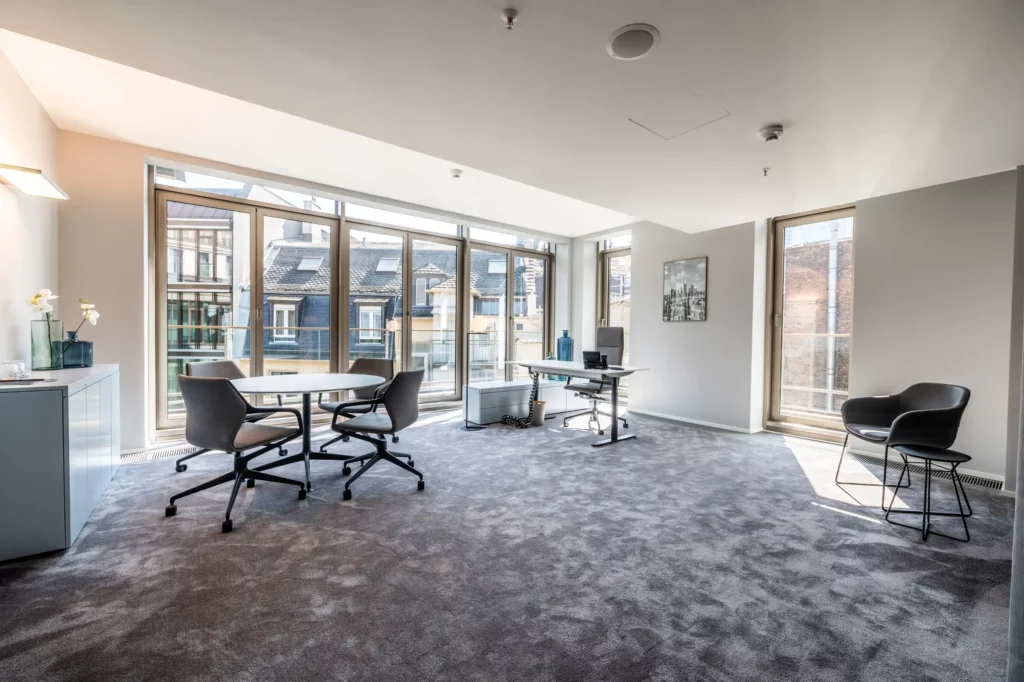
Satellite Office: Private Individual Office
A virtual office background for focused business calls, online meetings, and presentations. Minimalist, high-quality, and pleasantly calm.
How to Set Up Your Background in Zoom, Teams, and Google Meet
Change Zoom Background
- Open Zoom and go to Settings.
- Select “Background & Effects.”
- Upload the background image of your choice.
- Check the preview before the meeting.
For a calm visual effect, we recommend a professional zoom background with a clear composition, subtle colors, and sufficient distance from the subject.
Change the Teams background
- Open “Background Effects” before or during the meeting.
- Select “Add New.”
- Upload the image you want.
- Apply the background and check the preview.
A professional Teams background should organize the frame, not clutter it. Office backgrounds with clean lines, calm surfaces, and realistic lighting are particularly suitable.
Change Your Google Meet Background
- Open “Apply Visual Effects.”
- Upload your background image.
- Check the preview.
- Start the meeting with the selected background.
The same applies to Google Meet: Your background should complement your presentation, not overshadow it. A high-quality office background creates a professional setting for digital conversations.
What Makes a Professional Video Call Background
A good business background conveys style without drawing attention to itself. It doesn’t look like a set, but rather like a natural, calm space. This subtlety is especially important during video conferences: The background should provide context, but not overshadow the conversation.
The most important things are:
- a calm visual composition
- subtle colors
- clean lines
- sufficient depth in the room
- no personal details
- No cluttered designs
- good contrast against the face
- a realistic lighting atmosphere
- No dominant brand positioning
A professional background for Zoom, Teams, or Google Meet shouldn’t be meant to show off how special it is. It should look natural. The best visual effect is achieved when the quality of the space, discretion, and concentration come together.
Making a Bigger Impact on Video Calls: Lighting, Camera, Sound
The background is an important part of a digital presence. However, it only truly comes into its own when the lighting, camera work, and sound are all just right.
Make sure the light comes from the front and illuminates your face evenly. The camera should be at eye level so that your gaze looks natural. Choose a calm frame and check the background before important calls. Sound also shapes the impression you make: A good microphone conveys closeness, clarity, and professionalism.
Wearing clothing that contrasts slightly with the background helps you stand out clearly from the room. Avoid very busy patterns, reflective surfaces, and situations with strong backlighting. The less technical glitches are visible, the more confident your presentation will appear.
When the background is right, you can experience the space behind it
A virtual background can enhance your appearance during a video call. Even more effective is a location that embodies this professionalism throughout the workday: quiet, prestigious, discreet, and with service that remains in the background until it’s needed.
Satellite Office offers business-class work environments in exclusive locations—with business lounges, day offices, and meeting rooms that facilitate focused work, confidential discussions, and high-quality interactions.
Discover spaces that look professional—and not just in photos.
Stay up to date
Subscribe to our newsletter

Subscribe to our free newsletter and receive regular updates from the world of Satellite Offices. Find out all about exciting events, innovative products, special offers and the latest developments at our locations.